Skip to content
Courses24
Home
Home
Application Forms Nursing Colleges Bursaries
General
Bursaries Learnerships
Privacy

ufs login

Please open the UFS Self-service system on your web browser which is located at https://selfservice.ufs.ac.za.

Visit the login page here

In the username field enter your student number.
In the password field, enter the temporary password that
you recieved in the SMS. eg: !bJ8Gv$7
Click the “Sign in” button
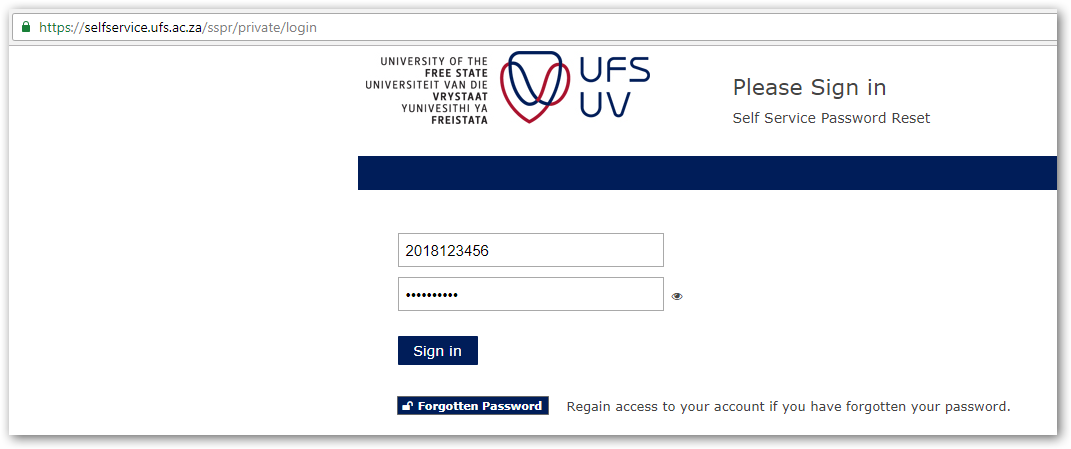
sign in- page 1

Related Posts:

  • Celbux Nsfas Login
  • How to Log into UCT Student Self-Service System
  • Wits Sakai
  • UKZN Moodle
  • myUnisa Login - How Login into myunisa
  • UCT Self service

Courses24
    General
Privacy

© 2026 Courses24