Below are the procedures on how to make myLife account. Before you can set up my life UNISA account, you need to have access to your myUNISA Student portal. Here is a straightforward detailed guide to follow when setting up the account.
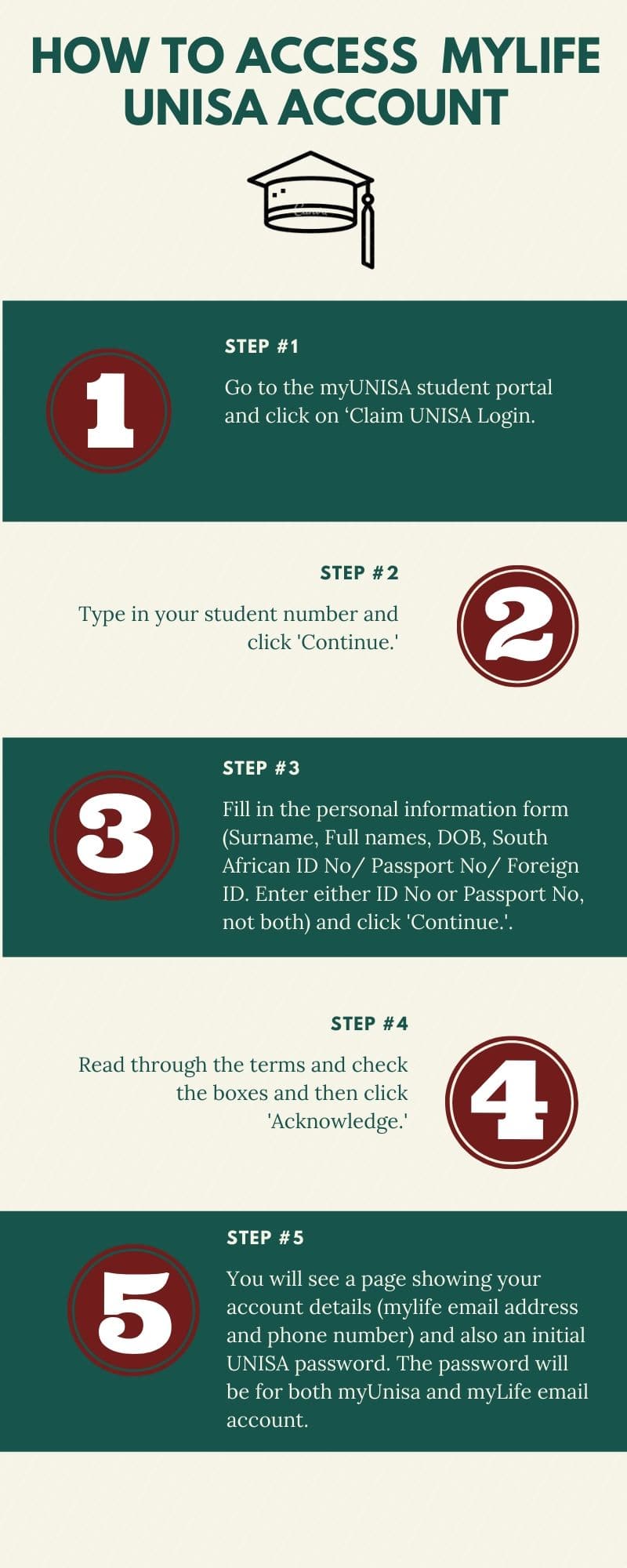
Step 1: Go to the myUNISA student portal.
Step 2: Click on ‘Claim UNISA Login.’
Step 3: Type in your student number and click ‘Continue.’
Step 4: Fill in the personal information form (Surname, Full names, DOB, South African ID No/ Passport No/ Foreign ID. Enter either ID No or Passport No, not both) and click ‘Continue.’
Step 5: Read through the terms and check the boxes and then click ‘Acknowledge.’
Step 6: You will see a page showing your account details (mylife email address and phone number) and also an initial UNISA password. The password will be for both myUnisa and myLife email account.
Your UNISA email address will be unique for every student, and your UNISA email address will follow the format 123456@mylife.unisa.ac.za.